Install the mobile app
Two Kooreo apps: Cap Control for day-to-day monitoring, KOOREO Connect for the box Wi-Fi.
Cap Control
Temperature monitoring, alerts and sensor setup. Search for Cap Control (Kooreo).
- Install, open, allow notifications.
- Sign in with the same credentials as the web app.
- On site, the app is also used to check sensor detection (see Placement and commissioning).
KOOREO Connect
App dedicated to Wi-Fi setup of the CAP CONTROL box (temperature readings). Secure Bluetooth, step-by-step assistant, no account.
Use it if the gateway has no Ethernet cable.
Welcome
Welcome to the configuration assistant for your CAP CONTROL box.
Start
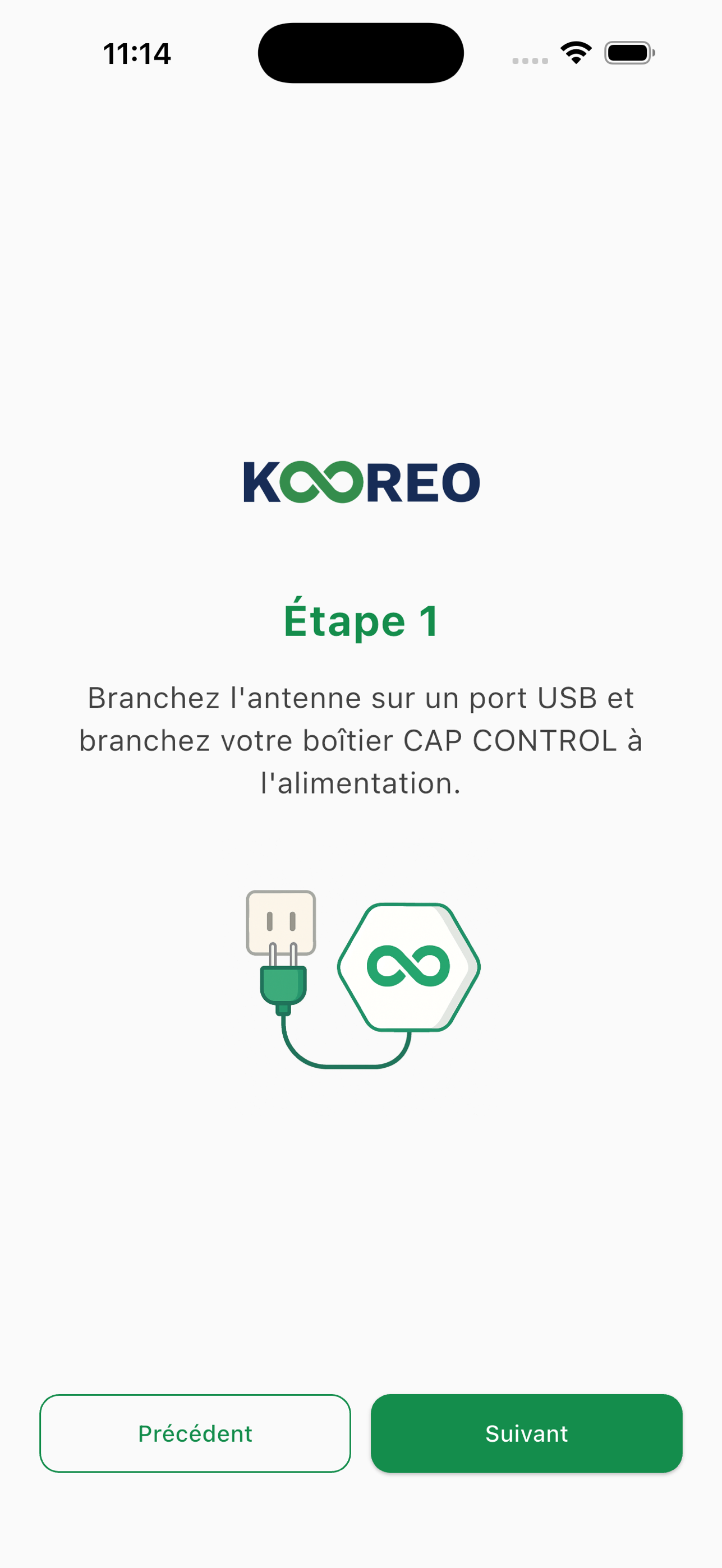
Step 1
Plug the antenna into a USB port, then plug the CAP CONTROL box into the power supply.
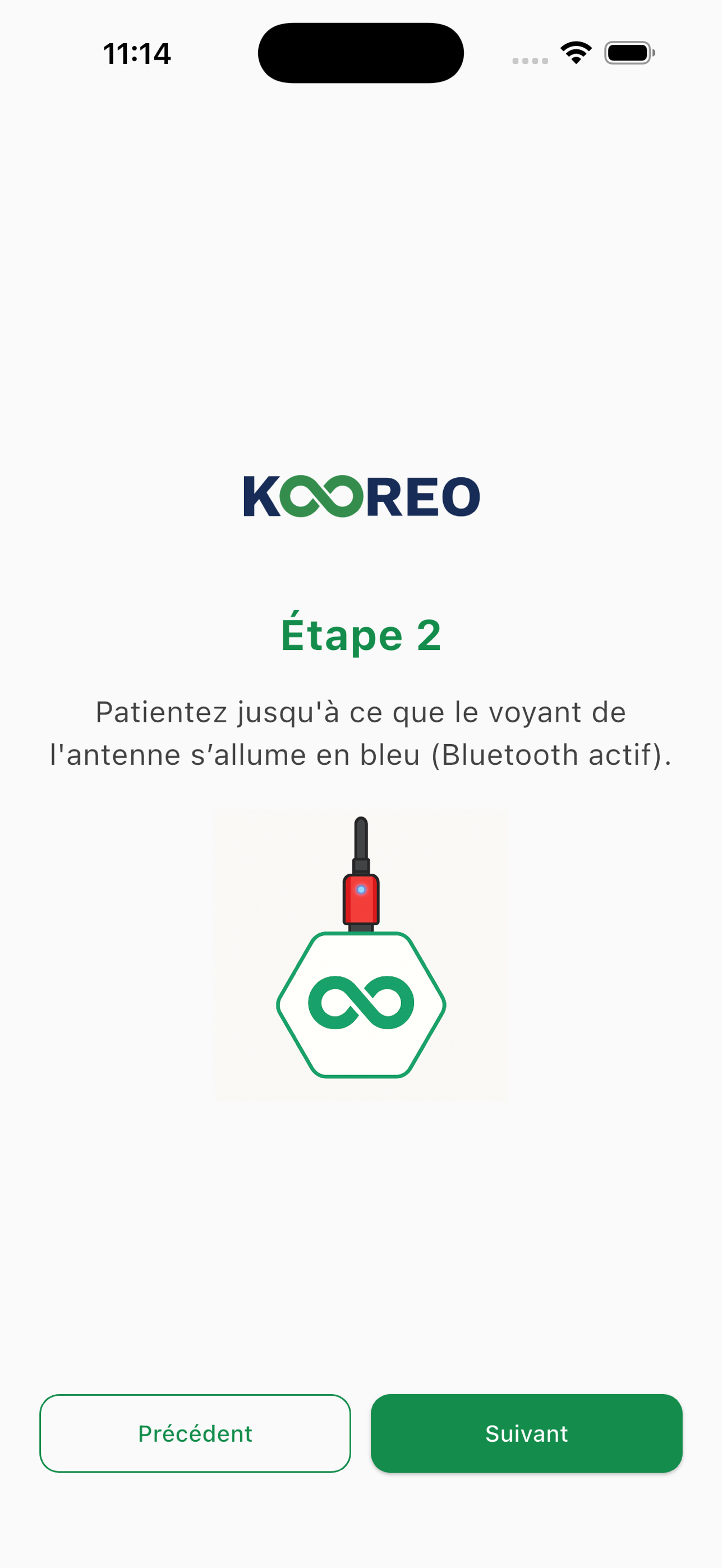
Step 2
Wait until the antenna light turns blue (Bluetooth active).
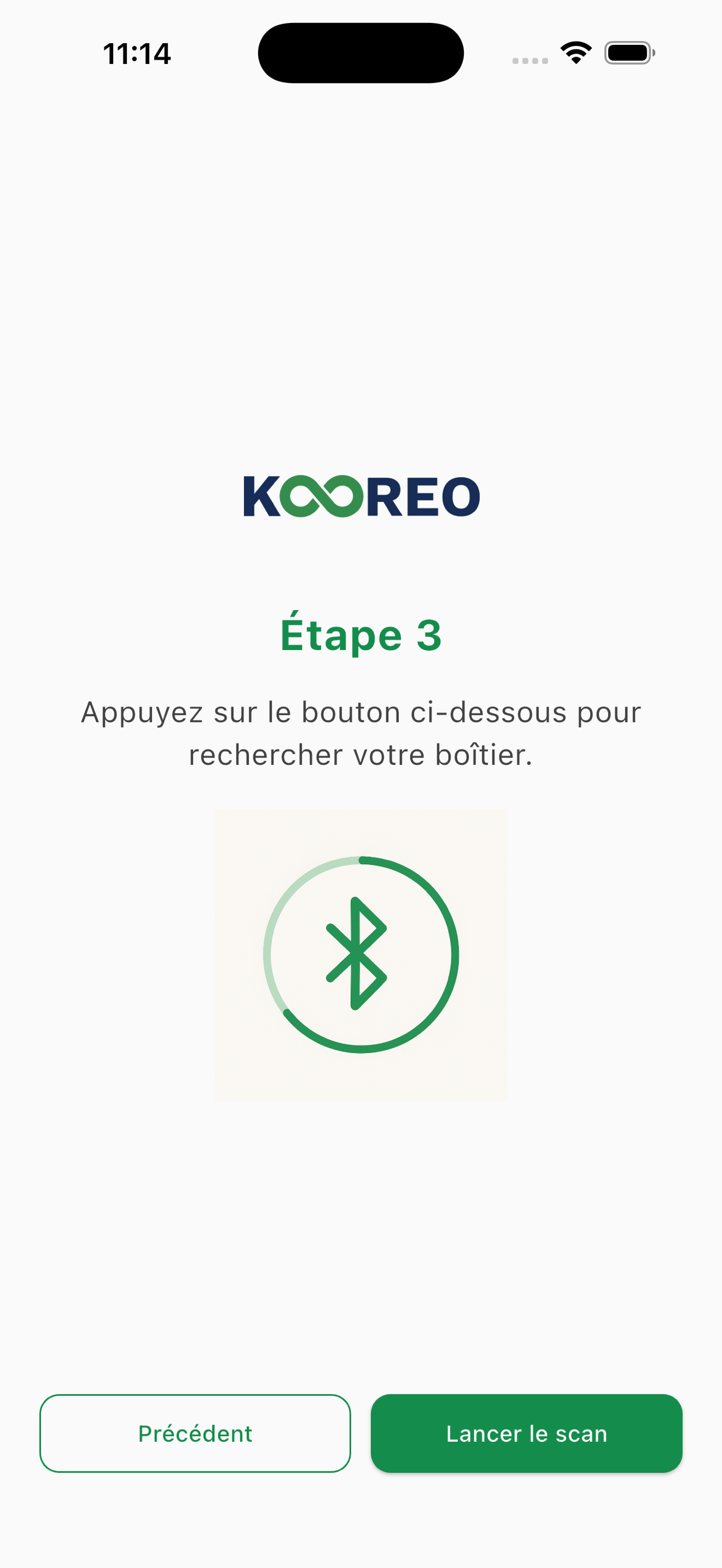
Step 3
Tap Start scan to search for your box.
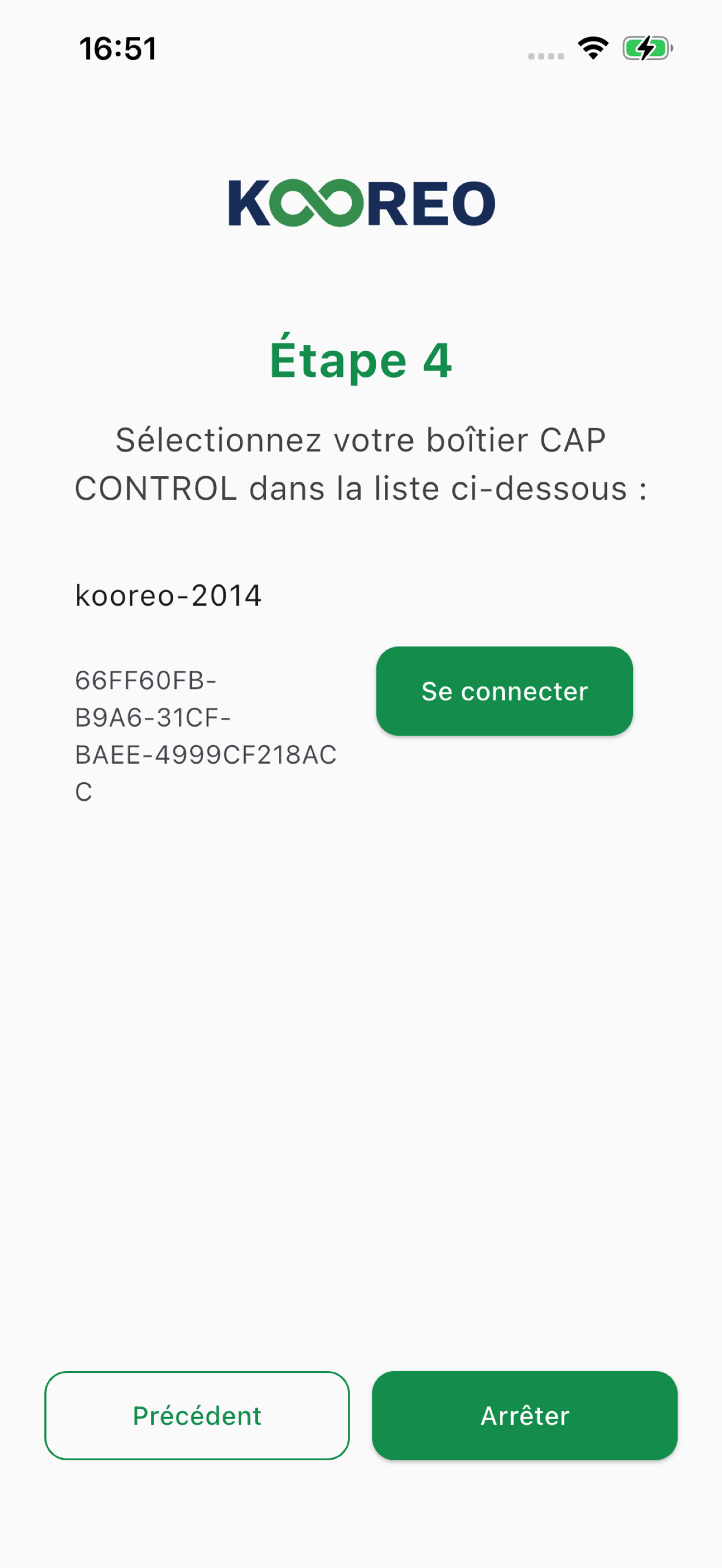
Step 4
Select your CAP CONTROL box, then Connect.
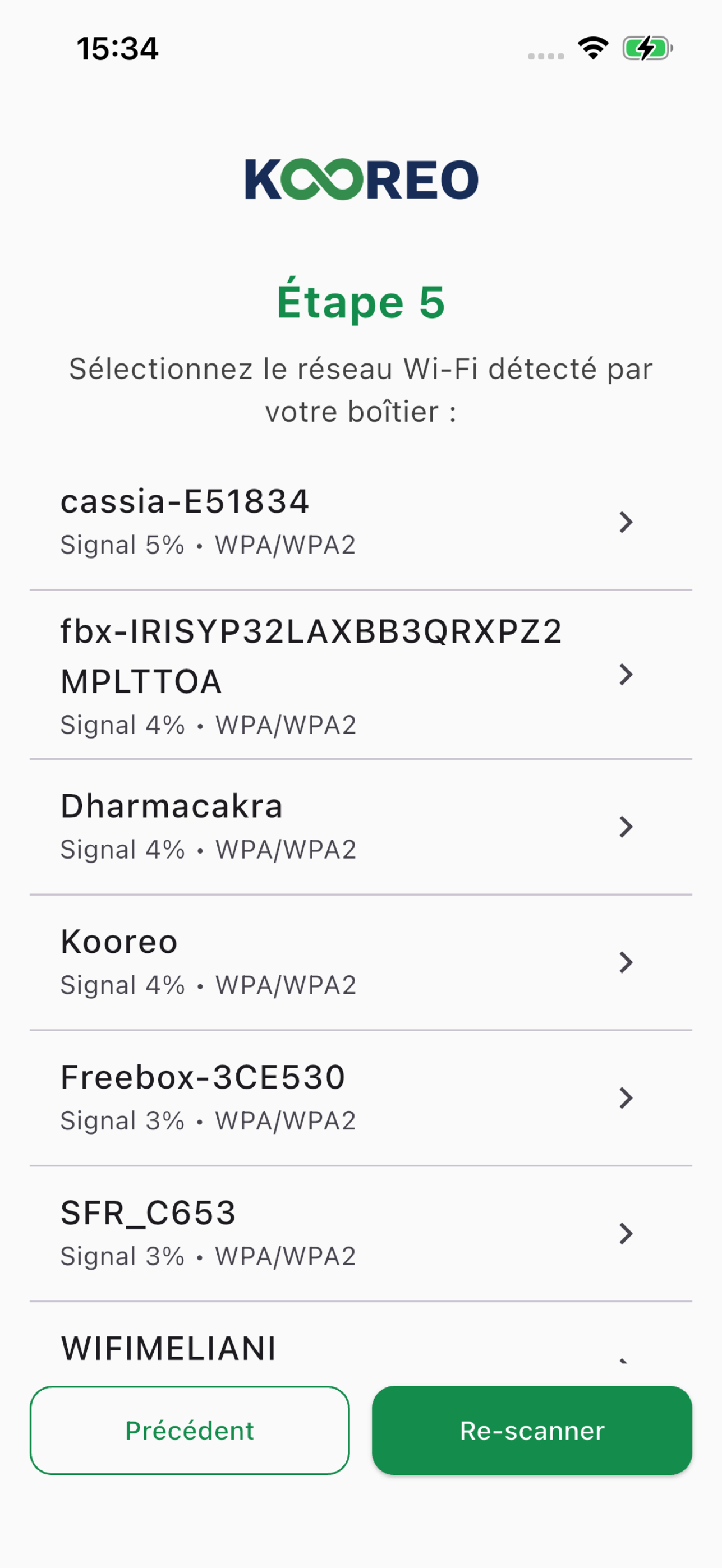
Step 5
Select the Wi-Fi network detected by the box.
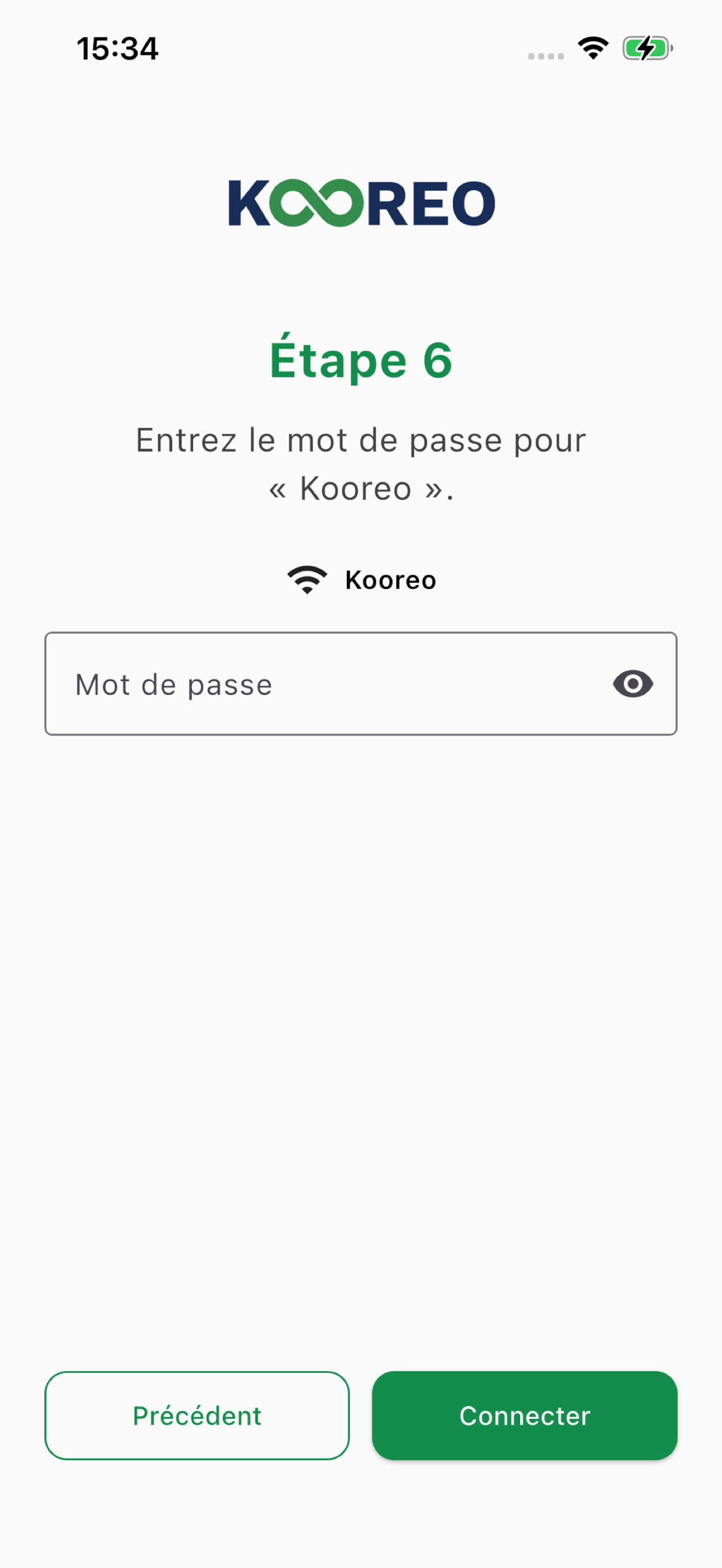
Step 6
Enter the network password, then Connect.
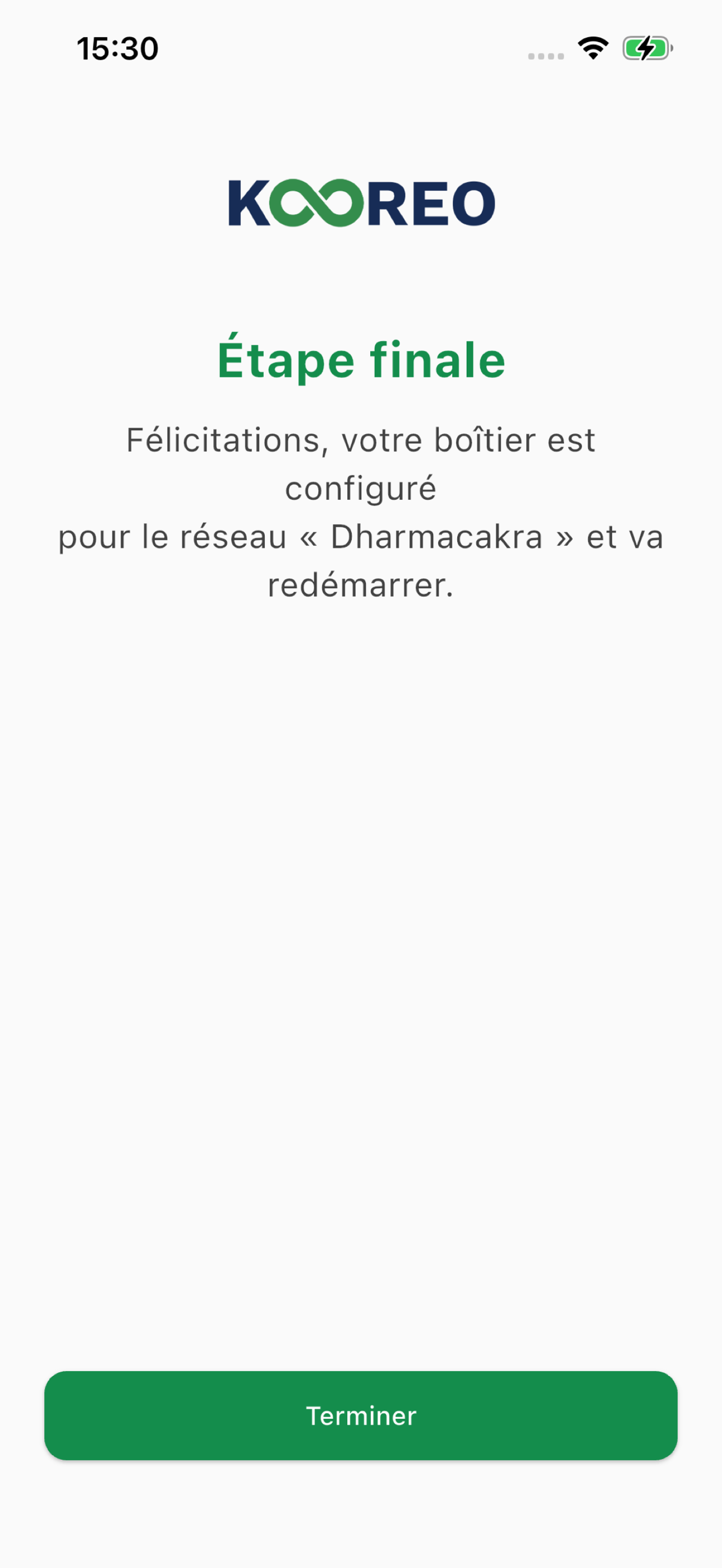
Done
Congratulations! Your box is now configured and ready to use.
If an app does not appear in your country's store, write to contact@kooreo.fr.