Reports
CAP CONTROL→Reports
Daily reading PDFs, the HACCP traceability record. The menu item is greyed out if the option is not subscribed.
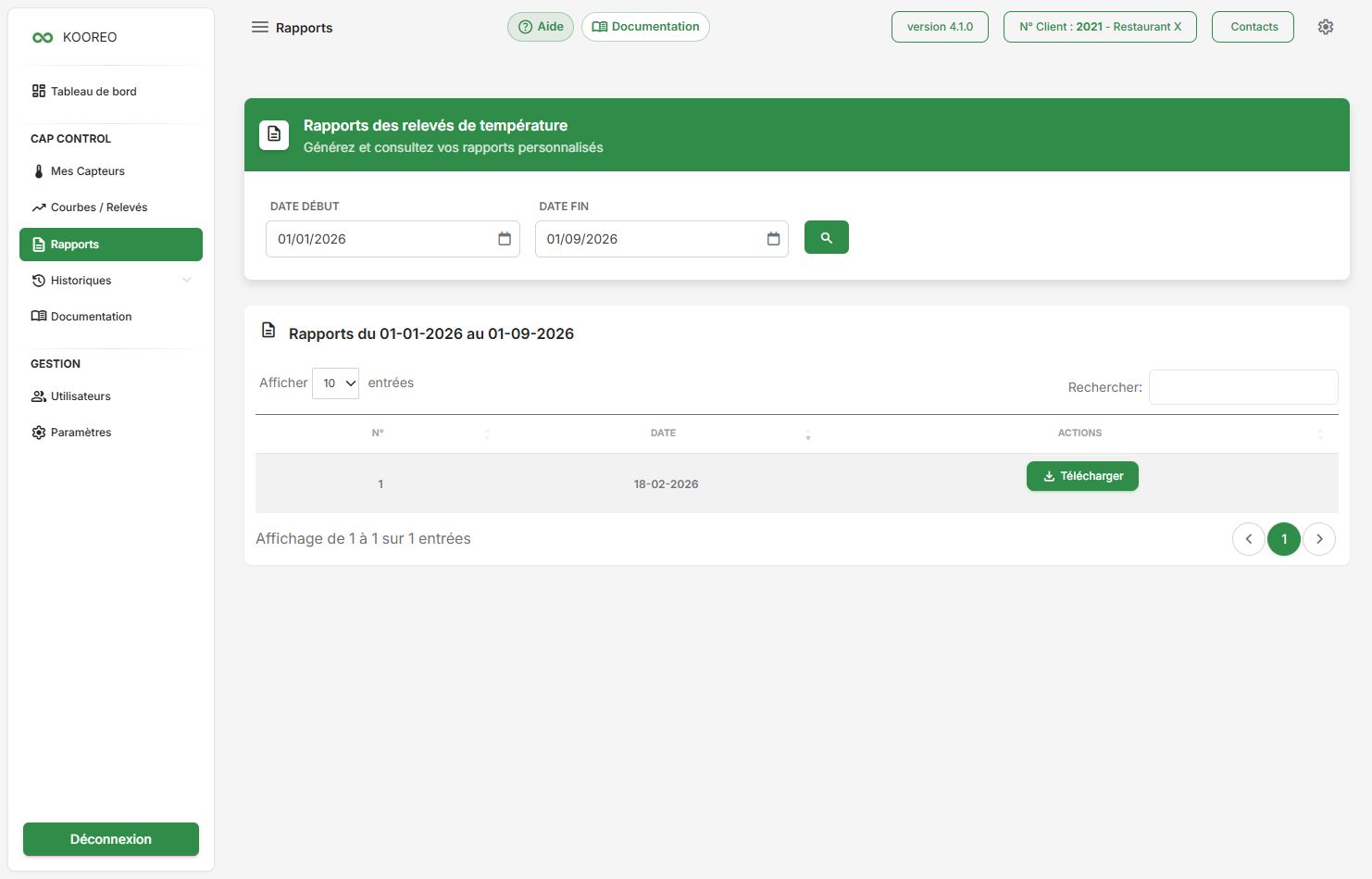
Browse
- Choose the start date (default: 1 January of the current year) and the end date.
- Click the magnifying glass.
- Click Download in the list.
Until a period is run: “Select a period to display available reports”.
Reports only appear for sensors with the Reports option on in sensor configuration.
Recipients
Daily report emails are set in Notifications (Settings > Alerts, notifications and on-call).
The daily summary is still sent even when alerts are turned off.